Screen Recordings in the Device
Drop a .mov or .mp4 on the mockup and it plays on the screen. Trim it right at the playhead.
- Trim at the playhead
- .mov and .mp4
- Plays inside the device
Drop in a screenshot or a screen recording, pick a scene, export. The first 50 people in line get images free, forever.
Made with scenly.
Every image here is an export from the editor, built from real landing pages, portfolios and templates. Same scenes, same backgrounds, yours to use.
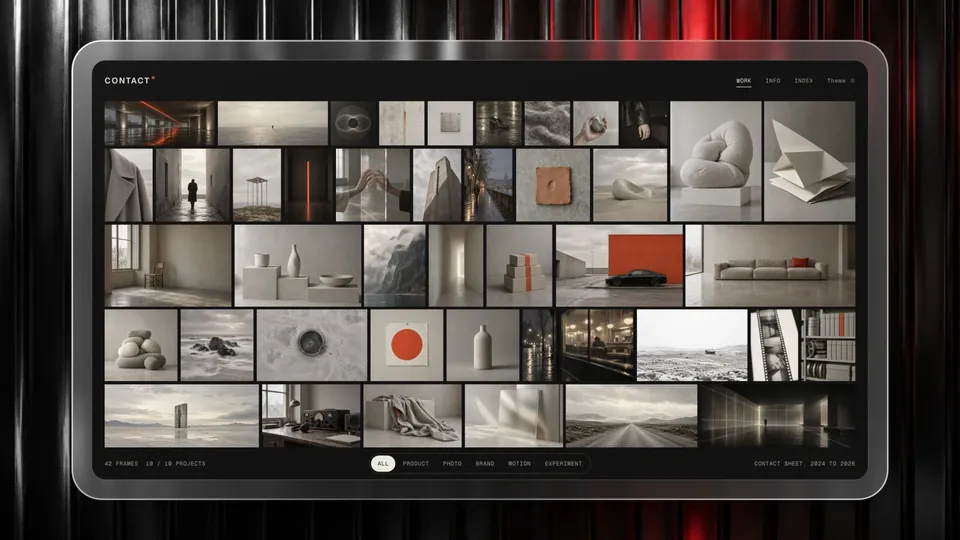 CONTACT · Photo portfolio on red and black glass
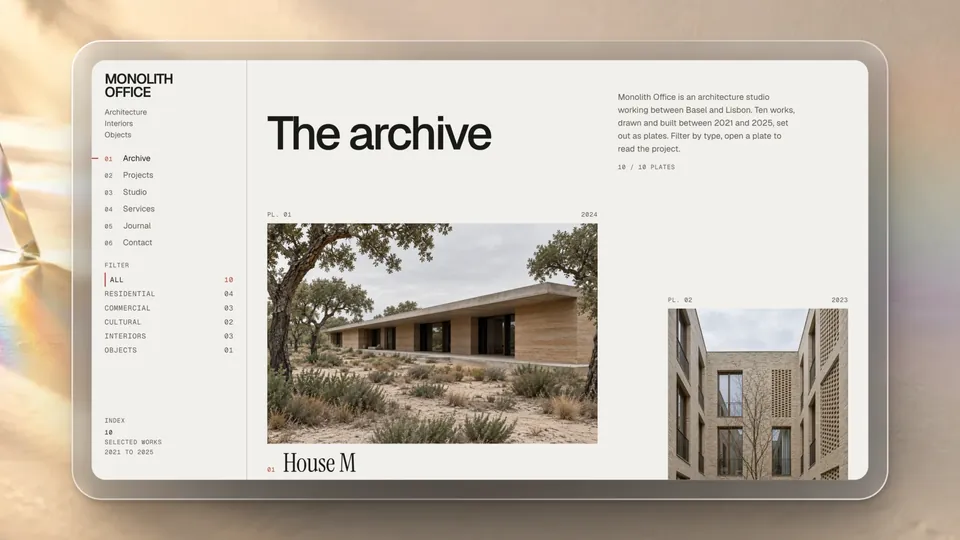 Monolith Office · Architecture studio on sand
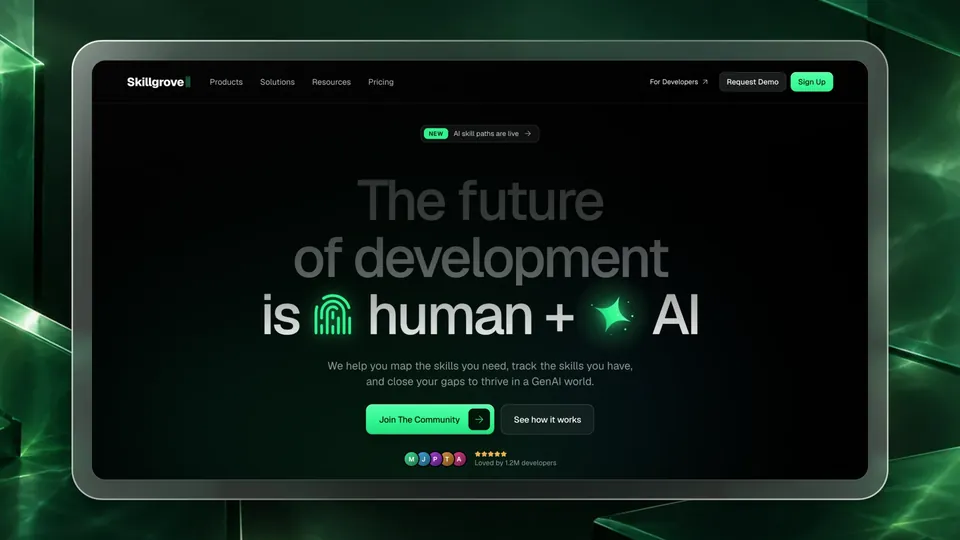 Skillgrove · Developer platform on emerald glass
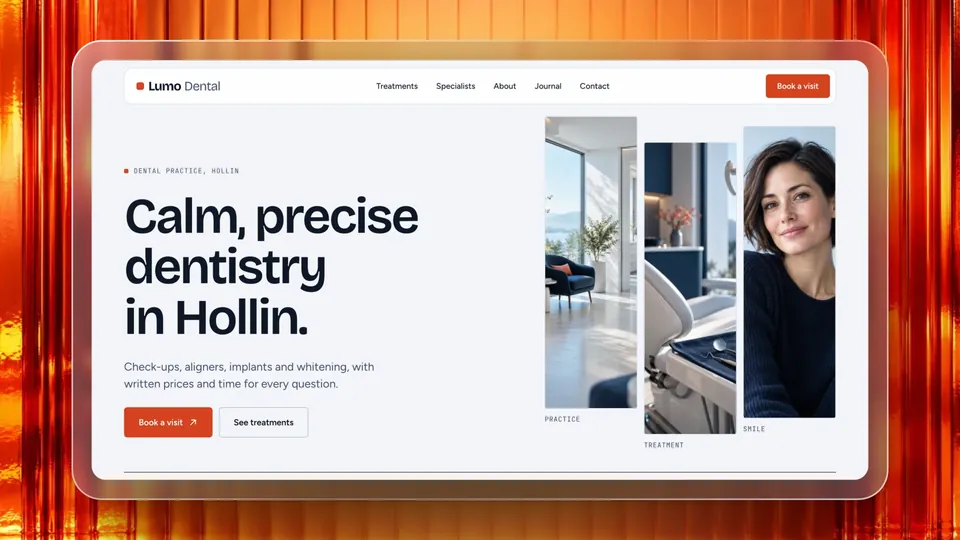 Lumo Dental · Practice website on orange glass
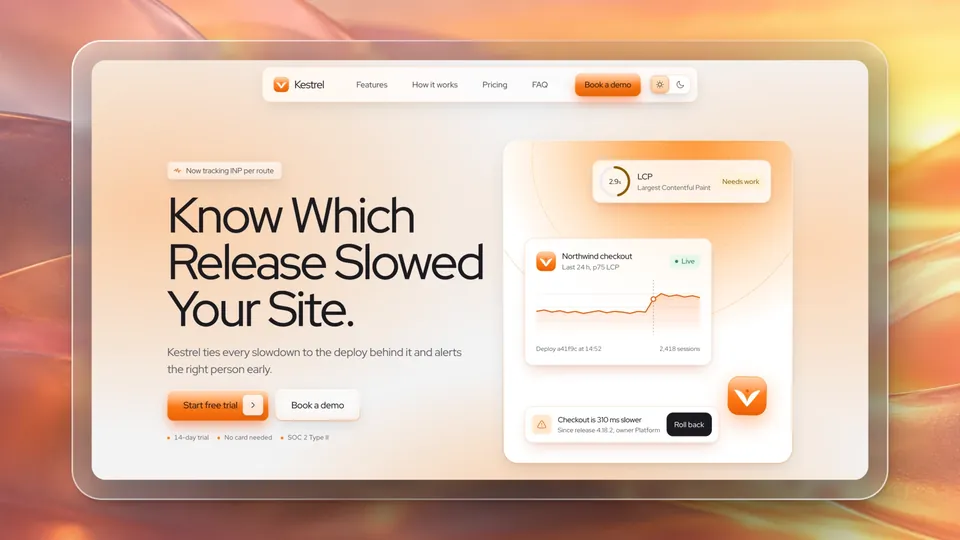 Kestrel · Performance tool on peach glass
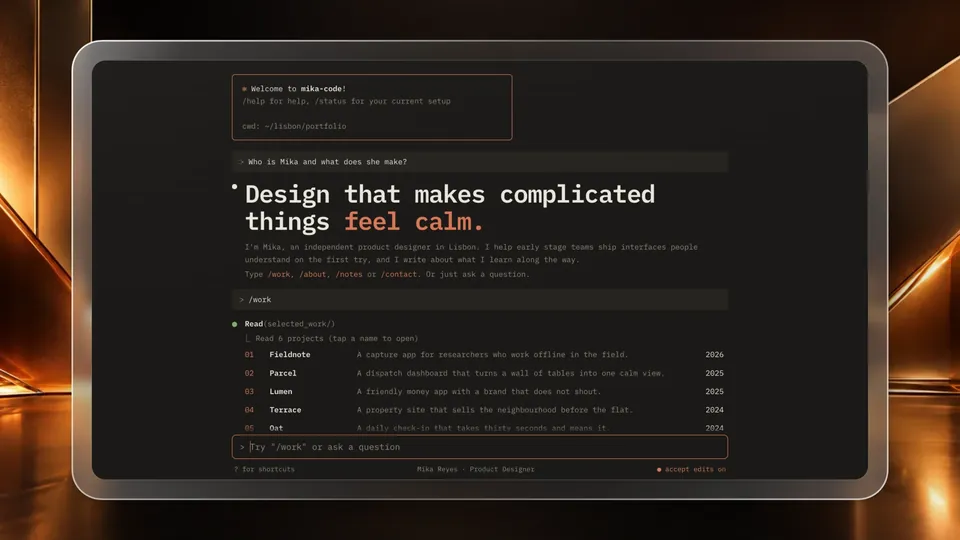 Mika · Terminal portfolio on copperCONTACT · Photo portfolio on red and black glassMonolith Office · Architecture studio on sandSkillgrove · Developer platform on emerald glassLumo Dental · Practice website on orange glassKestrel · Performance tool on peach glassMika · Terminal portfolio on copper
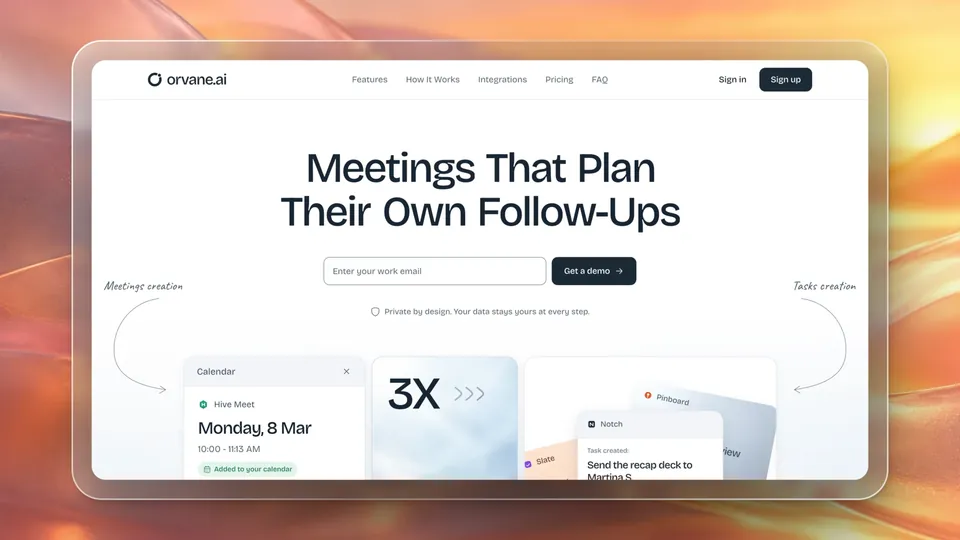 Orvane · Meeting assistant on peach glass
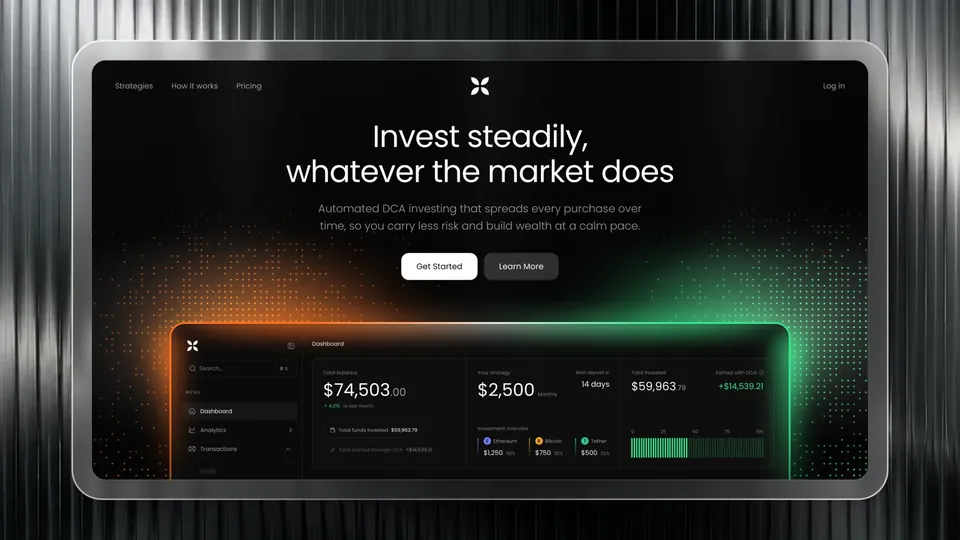 Invest steadily · Landing page on brushed steel
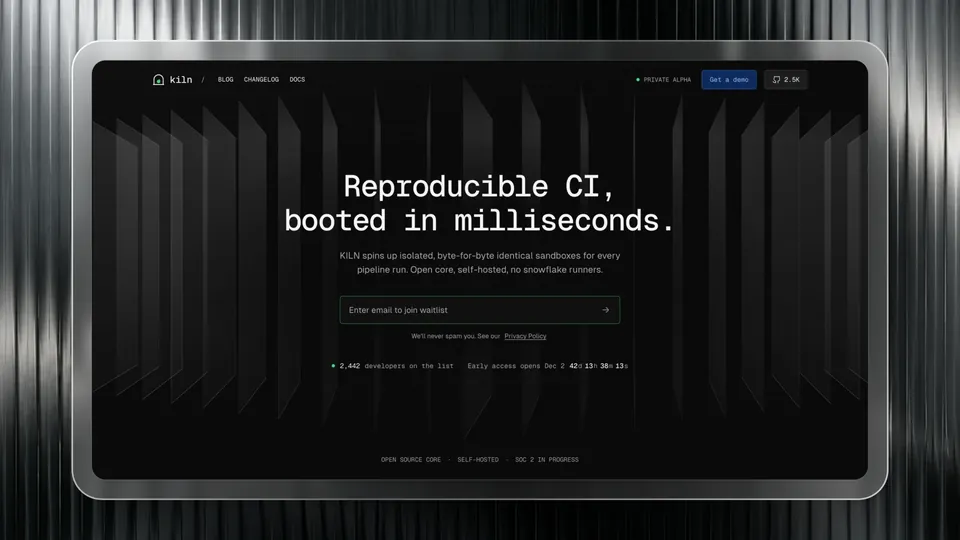 Kiln · CI for developers on steel
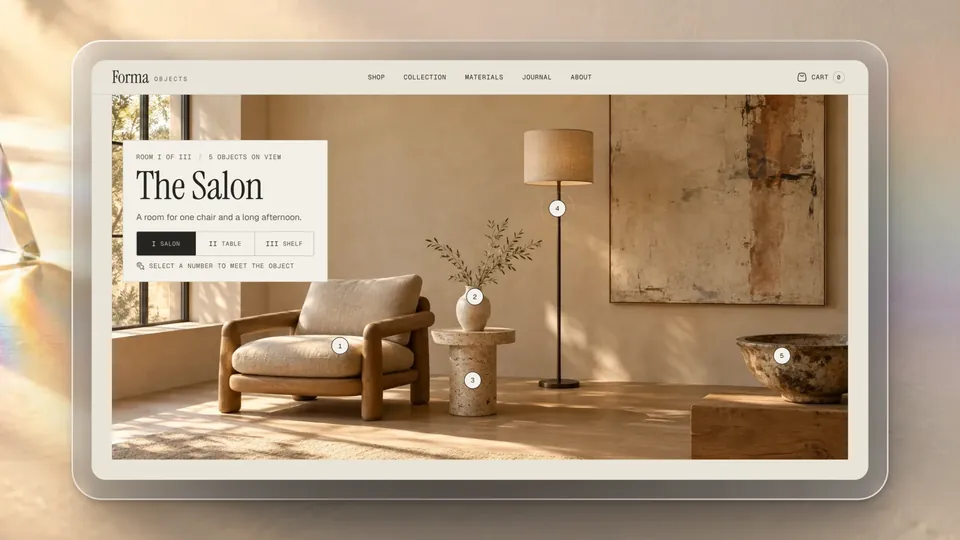 Forma · Furniture shop on warm sand
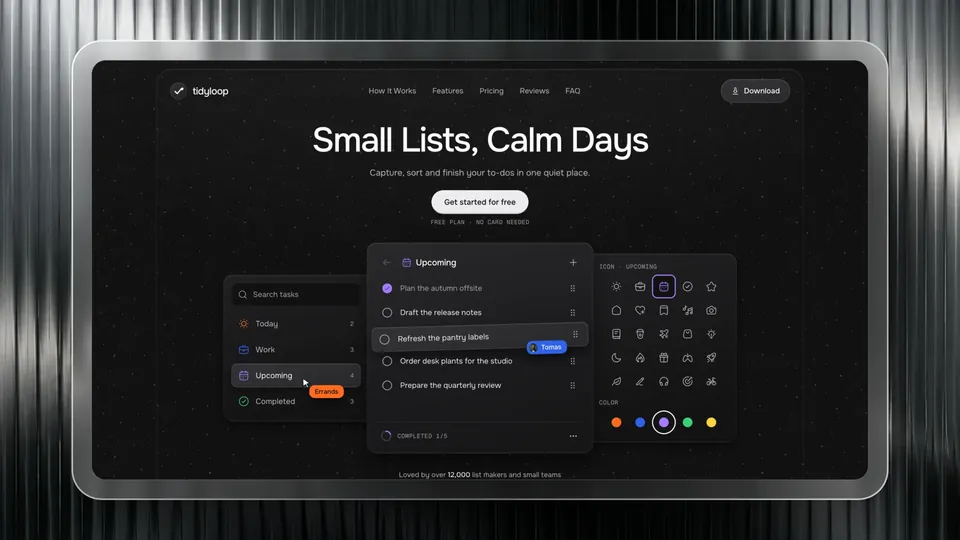 tidyloop · To-do app landing page on steelOrvane · Meeting assistant on peach glassInvest steadily · Landing page on brushed steelKiln · CI for developers on steelForma · Furniture shop on warm sandtidyloop · To-do app landing page on steel
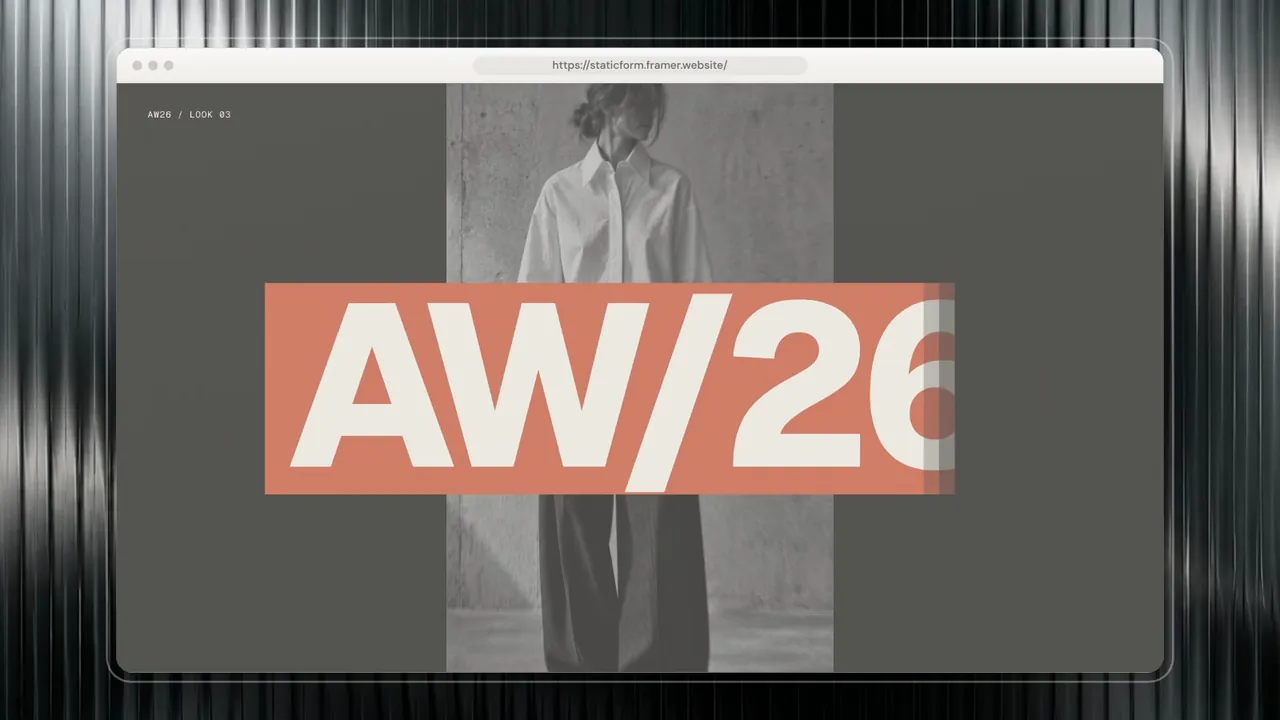
Video
Record your site or app and drop the clip on the mockup. scenly. switches to Video. Trim to the best seconds, pick a motion, export a crisp MP4.
Inside the studio
Yes, that is the studio itself, mocked up with scenly.
How it works
From a raw screen to a finished scene, no learning curve in between.
A screenshot, a design export or a screen recording. Pasting works too.
Browser, iPhone, MacBook, iMac or a pair. Your screen shows up in every preview before you click.
A sharp still in seconds. Or switch to Video for an MP4 with motion and your recording inside.
Features
Drop a .mov or .mp4 on the mockup and it plays on the screen. Trim it right at the playhead.
iPhone 17, Pixel, iPad, MacBook, iMac and a clean browser window.
388 studio surfaces: glass, gradients, textures and a full collection in the scenly. look.
Zoom, float up, slide in, depth or focus. Add camera moves on a timeline that fits in one row.
16:9, 4:5, 1:1, 9:16 or any size up to 4096 px, plus the exact App Store and Google Play sizes.
Your screens are rendered in your browser and never uploaded. Projects save locally and survive a reload.
Chrome extension
No more juggling a screenshot app, a recorder, a mockup tool and an editor. One shortcut in Chrome, ⌘V in the studio, and it is already a finished scene.
⌥⇧A grabs an area, ⌥⇧S the whole tab. Screen recordings too.
Capture, frame, animate and export in one place. Nothing to download, convert or re-upload.
Paste with ⌘V and your Magic Preset, frame and background are applied.
Out now and in beta
Two new ways to make scenes without opening the studio: right inside Framer, and straight from your AI tools.
Drop a screenshot into the plugin and get a set of polished mockups. Insert them straight onto your Framer canvas, or download them.
Tell Claude what you need. scenly. builds the mockups, launch packs and videos on your computer and hands you the files.
Pricing
Pioneers keep images free for good and get All access, images and video, for $9 a month. Everyone after pays full price.
When the spots are gone, this price is gone with them.
Images only
$0$9
Free forever, up to 2x
All access
$9$19
A month, yours for good. Images and video.
One price per plan, never added together.
Cancel anytime. No contracts, no surprises.
FAQ
Right now, yes. No watermark, every scene, device and background. The first 50 people in line become Pioneers and keep images free forever. After that, images cost $9 a month.