Browser mockup
Browser mockups from any screenshot
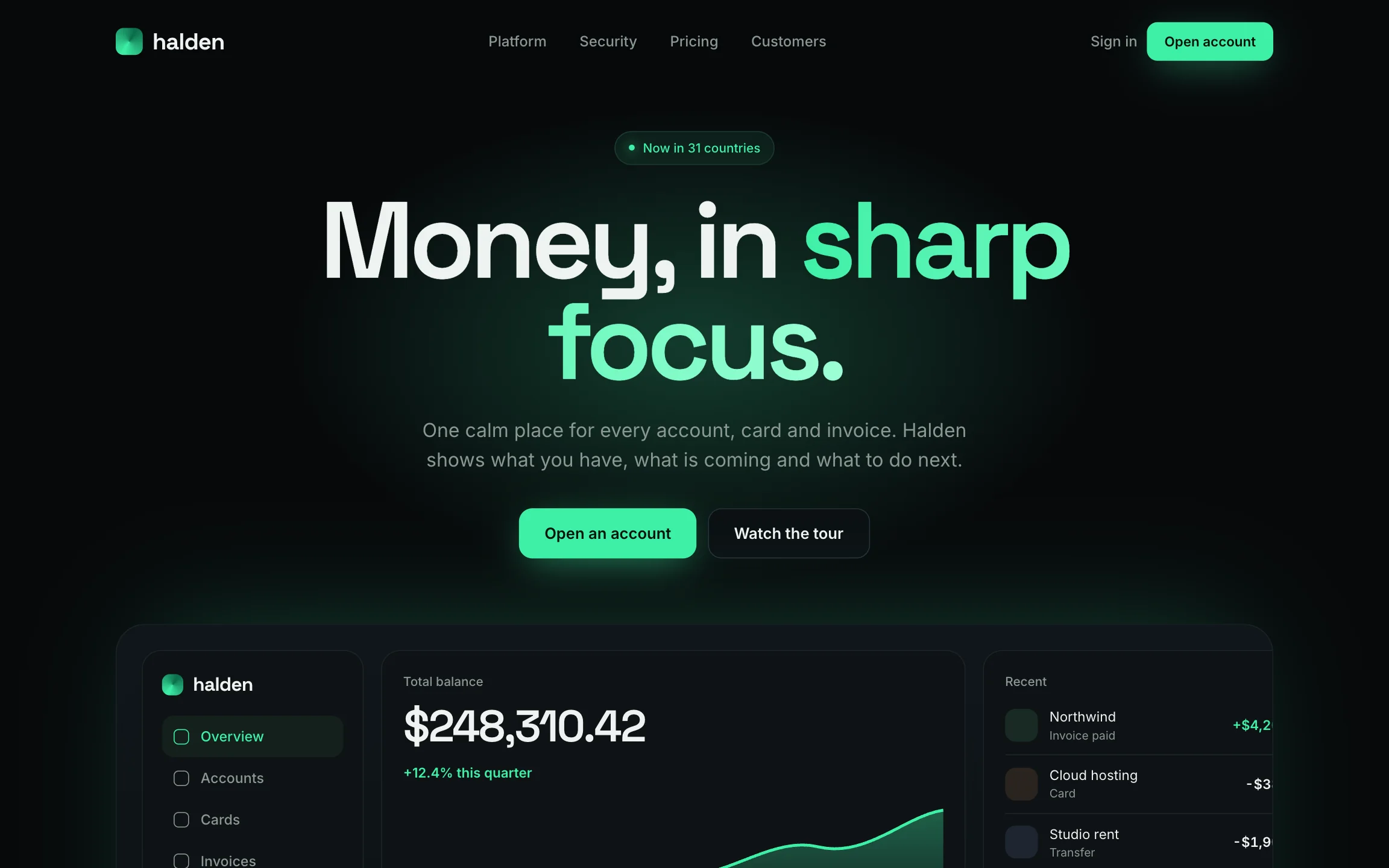
Drop in a screenshot of your site or app and put it in a clean browser window. Pick a style, a background and export a sharp image for your portfolio, a launch post or a pitch.
Six window styles
Choose the frame that fits your design, and switch between light and dark. Type your own address into the bar or leave it empty for a clean look.
- Browser, the classic window with an address pill
- Safari, with sidebar, arrows, a centered address field and the toolbar icons
- Chrome, with a tab strip above the toolbar
- Framed Browser, a compact bar with a slim address field and a thin outline
- Minimal Window, just the three dots
- App Window, three dots and a centered title for desktop apps
Make it look finished
Pick from 388 backgrounds, set the shadow style, the corner radius and the angle of the light. Tilt the window, rotate it, or place two or more browsers in one scene for a before and after.
Export a PNG, WebP or JPG, with a transparent background if you want to place the window in your own layout. Exports go up to 4x for crisp results on large screens.
A browser mockup in four steps
You do not need a design tool for this. The whole job takes a minute once you have the screenshot.
- Take a screenshot of your page. A wide window around 1440 pixels gives a sharp result.
- Drop it onto the browser window in the studio.
- Pick a window style, light or dark, and a background.
- Export a PNG, or a WebP when the file size matters.
Long pages become posters
Drop a full-page screenshot and the Playbook builds formats for posting: a tall poster, a section grid, a hero shot and a before and after. Good for sharing a whole landing page on X or Dribbble without it shrinking into an unreadable strip.
Tips for sharp browser mockups
Capture the page at the size people will see it. A screenshot that is too narrow gets stretched, and small text turns soft. If your screenshot is long, let the Playbook split it instead of shrinking it into the window.
Match the window to the content. A dark site looks calm in a dark window, and a light site often looks better in a light one. Keep the background quiet so the page stays the hero.
Hide what should stay private
Real screenshots often show emails or numbers. The built-in censor tool blurs, pixelates or blacks out parts of the image before you export it.
Questions
Can I use a Safari or Chrome style window?
Yes. The studio has a Safari style, a Chrome style, a classic browser, a framed browser, a minimal window and an app window. All come in light and dark.
Can I export with a transparent background?
Yes. Export a PNG with a transparent background and place the window anywhere you like.
What happens to a very long screenshot?
The Playbook turns a full-page screenshot into a poster, a section grid and other post formats, so the page stays readable.
Do you upload my screenshots?
No. Rendering and export happen on your device, so your screens never leave your browser.
Is it free?
Right now, yes. Images are free with no watermark, up to 2x. The first 50 people in line become Pioneers and keep images free for good. After that, images cost $9 a month, and video is part of the $19 plan.
More you can make
Join the waitlist and open the studio with your Google account.