Product video
Turn a screen recording into a product video
Drop a .mov or .mp4 onto a device and it plays on the screen. Add smart zoom, a smooth cursor and camera moves, then export a short video for your launch.
Your recording, inside the device
Drop a screen recording onto the mockup and it plays on the screen of the phone, laptop or browser window. Trim it right at the playhead, so the clip starts and ends where you want.
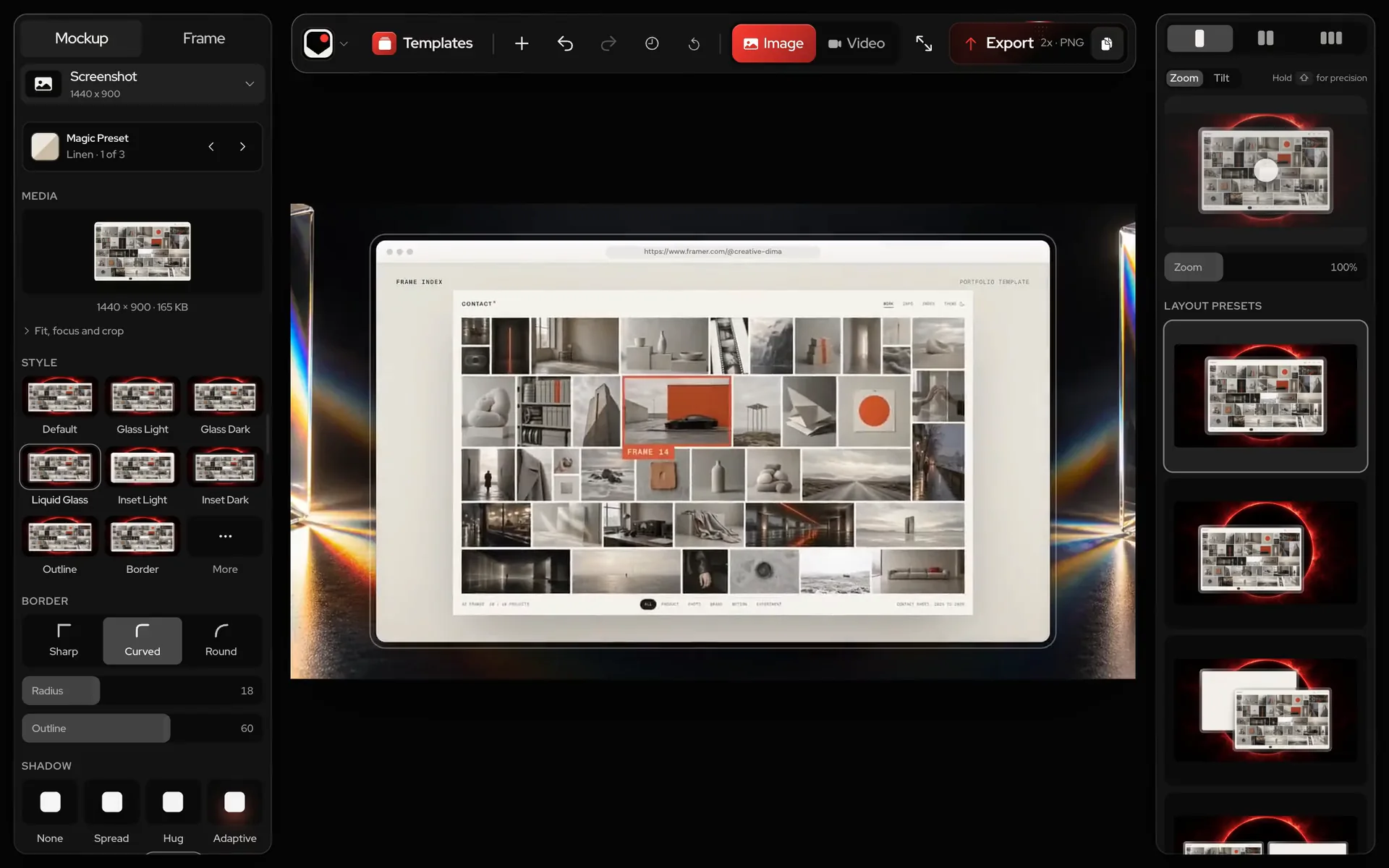
Smart zoom and a smooth cursor
Smart zoom finds the action in your recording and zooms into it, and you can add or move zooms yourself. A smooth cursor with click effects and motion blur makes a plain recording feel directed.
- Automatic zoom suggestions, adjustable by hand
- Cursor with click effects, hidden when idle
- Motion blur on zooms and pans
- Camera moves and loops on a timeline
A product video in four steps
A good video can be short. Fifteen to thirty seconds is enough to show one flow.
- Record your screen at its real size, one flow per clip.
- Drop the recording onto the device and trim it at the playhead.
- Let smart zoom suggest the zooms, then add or move a few by hand.
- Pick a format, 16:9 for the web or 9:16 for stories, and export an MP4.
Export for any channel
Export MP4 or WebM at up to 4K and 60 frames per second. Your browser needs to support the encoder. The studio checks this and tells you if a format is not available.
Choose the format of the video to fit the place you post it, from 16:9 to 9:16.
Tips for a recording that works
Slow down while you record. Move the cursor deliberately and pause for a moment before each click, so smart zoom has something clear to follow. Hide notifications and personal data first, and close tabs you do not want people to see.
Keep the story simple: one problem, one flow, one result. If you need to show two things, make two short clips and put them one after another.
Pick the format for where you post
Use 16:9 for websites and presentations, 9:16 for stories and short vertical video, and 1:1 or 4:5 for feeds. You can also set any size up to 4096 pixels. A video made for one format can be changed to another, and the scene rearranges itself to fit.
What to know before you start
Clips play without sound, and exports have no audio track. Video is part of the Images and video plan.
Questions
Which video formats can I export?
MP4 and WebM, up to 4K at 60 frames per second, depending on what your browser can encode.
Does the video keep the sound of my recording?
No. Clips play without sound, and exports have no audio track.
Is video free?
No. Video is part of the Images and video plan, $19 a month, or $9 a month for the first 50 Pioneers. Images are free for now.
Do you upload my recording?
No. Rendering and export happen on your device, so your screens never leave your browser.
More you can make
Join the waitlist and open the studio with your Google account.