Phone mockup
iPhone mockups that look like the real thing
Drop in a screenshot and put it in a phone with real proportions, colors and edges. Pick a scene, tilt the device in 3D and export a sharp image.
The phones in the studio
Every model has its own proportions, camera island or notch, and its own colors.
- iPhone 17, iPhone 17 Air, iPhone 17 Pro and iPhone 17 Pro Max
- iPhone 16, 15 and 14 series, with Plus, Pro and Pro Max
- Pixel 10 Pro, Pixel 9 Pro and Pixel 7 Pro
- Galaxy S25 and Galaxy S25 Ultra, and the Nothing Phone
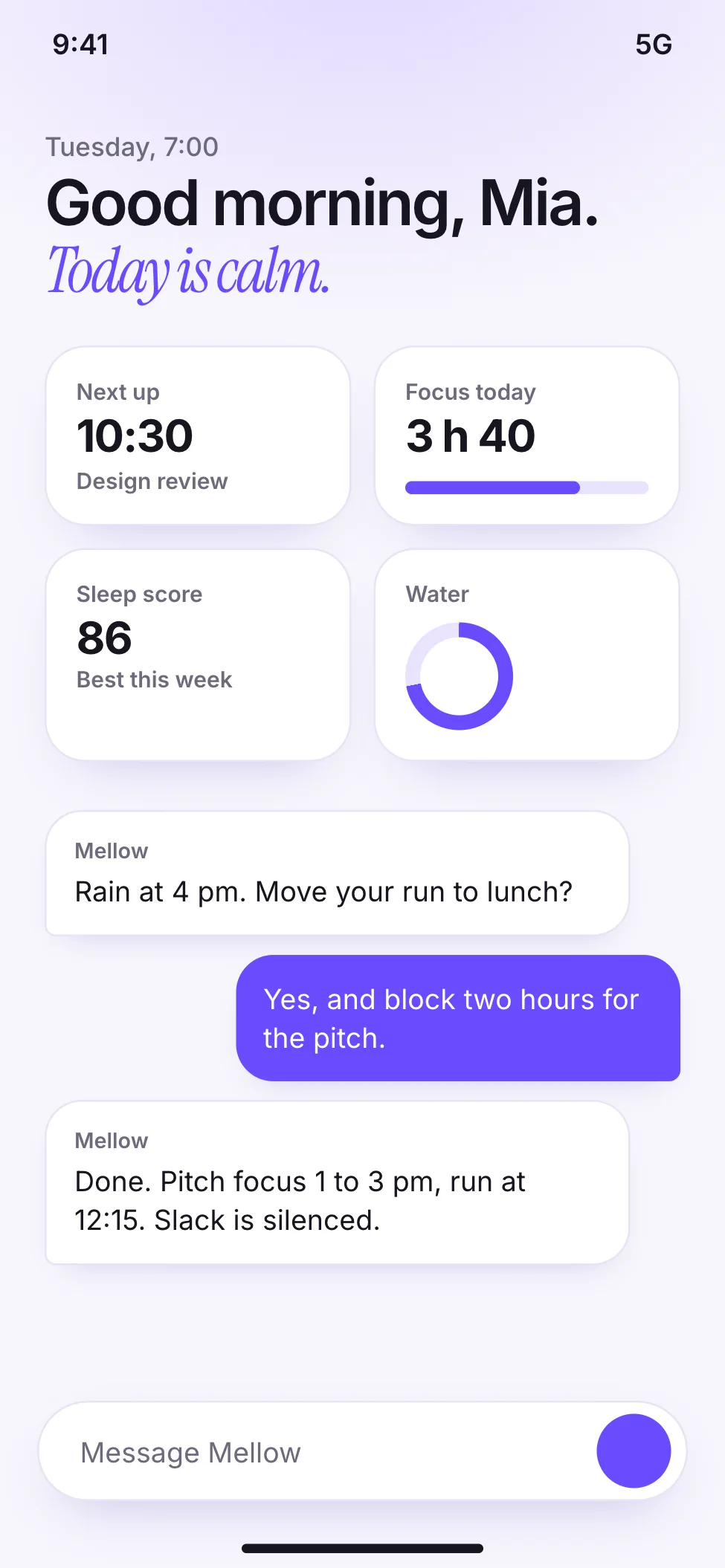
Real 3D devices
Turn on Ultra realism to swap the flat drawing for a real 3D phone with rounded metal edges, a glass screen that reflects the room, buttons and a camera plateau. Rotate it all the way around, including the back, and add a floor reflection and depth of field.
This mode is in beta. It works in desktop browsers with WebGL2 and falls back to the flat devices when it cannot run.
An iPhone mockup in four steps
Start with a screenshot from your phone or the simulator.
- Drop the screenshot onto the phone. Tall phone screenshots fit without cropping.
- Pick the model and its color in the Mockup panel.
- Choose a scene and a background, and turn on Ultra realism if you want a 3D device.
- Export a PNG, with a transparent background if you want to place the phone in your own design.
More than one phone
Place two phones side by side, a phone in front of a laptop, or a whole wall of phones. Choose from 388 backgrounds, and export up to 4x as PNG, WebP or JPG.
Tips for phone mockups that look right
Use a screenshot taken on the device or the simulator, so the pixels match the phone. A screenshot from a different screen shape gets cropped or letterboxed, and the studio picks a fitting frame for tall screens.
Choose a phone color that contrasts with the background. A dark phone on a dark background disappears, and a bright one on a bright background loses its edge. A soft shadow and a little tilt add depth without extra decoration.
Made in your browser
Your screenshots stay on your computer. Nothing is uploaded, and your scenes are saved in your browser.
Questions
Which iPhone models are included?
The iPhone 17 line (17, Air, Pro and Pro Max), and the 16, 15 and 14 series including Plus, Pro and Pro Max.
Are there Android phones?
Yes. Pixel 10 Pro, Pixel 9 Pro, Pixel 7 Pro, Galaxy S25, Galaxy S25 Ultra and the Nothing Phone.
Can I tilt the phone in 3D?
Yes. Ultra realism, a beta, gives you a real 3D phone you can rotate in every direction, with reflections and depth of field.
Do you upload my screenshots?
No. Rendering and export happen on your device, so your screens never leave your browser.
Is it free?
Right now, yes. Images are free with no watermark, up to 2x. The first 50 people in line become Pioneers and keep images free for good. After that, images cost $9 a month, and video is part of the $19 plan.
Does it work on my phone?
The studio runs in a desktop browser for now, on a laptop or a desktop computer. The mockups you export work everywhere, including on your phone.
More you can make
Join the waitlist and open the studio with your Google account.